
How to Navigate Without GPS: At a Glance
If your phone dies or cell service drops, you can stay on track using classic off-grid tactics. Here is the fast track to navigating without tech:
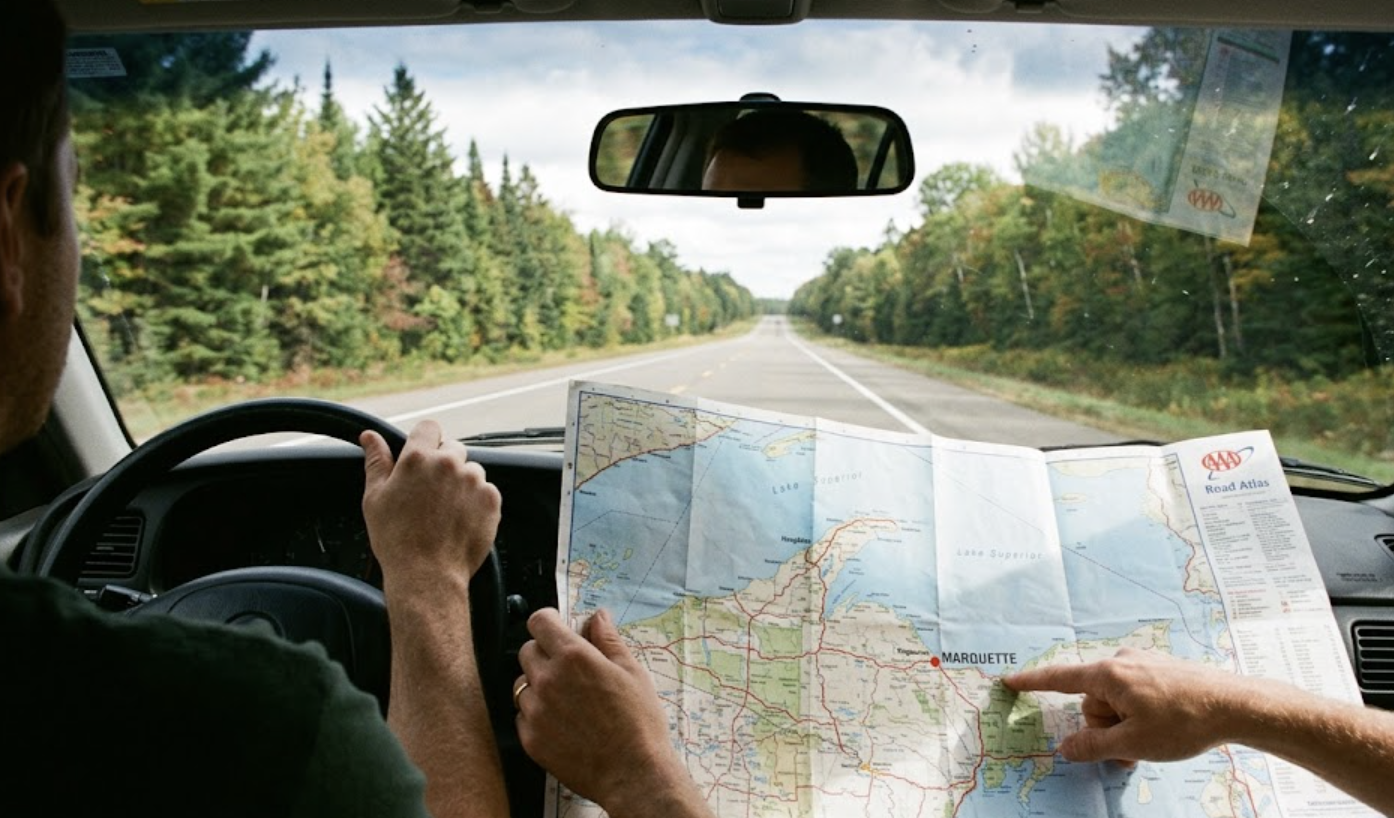
- The Golden Tools: Use a reliable magnetic compass to find your bearings and keep a physical road atlas or local paper map handy.
- Natural Guides: Look for prominent environmental landmarks, trace the sun’s path during the day, or find the North Star at night.
- Infrastructure & Human Input: Track your position by decoding mile markers on highways, following linear features like rivers or power lines, and asking local residents for help.
GPS is incredibly helpful until your phone dies, the signal drops, or a glitch sends you down the wrong road. In 2026, knowing how to find your way without a screen means you’ll have a reliable backup plan in case your digital maps stop working.
RELATED: The 2026 Hybrid Survival Kit: Smart Tech Gear With Analog Backups
Why You Need GPS Backup Skills
Relying entirely on a phone leaves you vulnerable to everyday disruptions. Digital navigation can fail due to:
- Dead phone batteries caused by cold weather or heavy app drain.
- Zero cell signal in remote valleys, deep forests, or mountain passes.
- App glitches and frozen screens during critical route changes.
- Outdated map data that misses recent road closures or washed-out trails.
- Widespread power outages caused by severe storms that take down local cell towers.
How Do You Navigate Without GPS in 2026?
You navigate without GPS by combining physical tools, environmental awareness, structural road signs, and local human knowledge. These reliable methods allow you to pinpoint your location and chart a path forward entirely offline. From traditional tools like a compass to reading the sun and stars, here are nine practical ways to find your direction:
1. Use a Compass
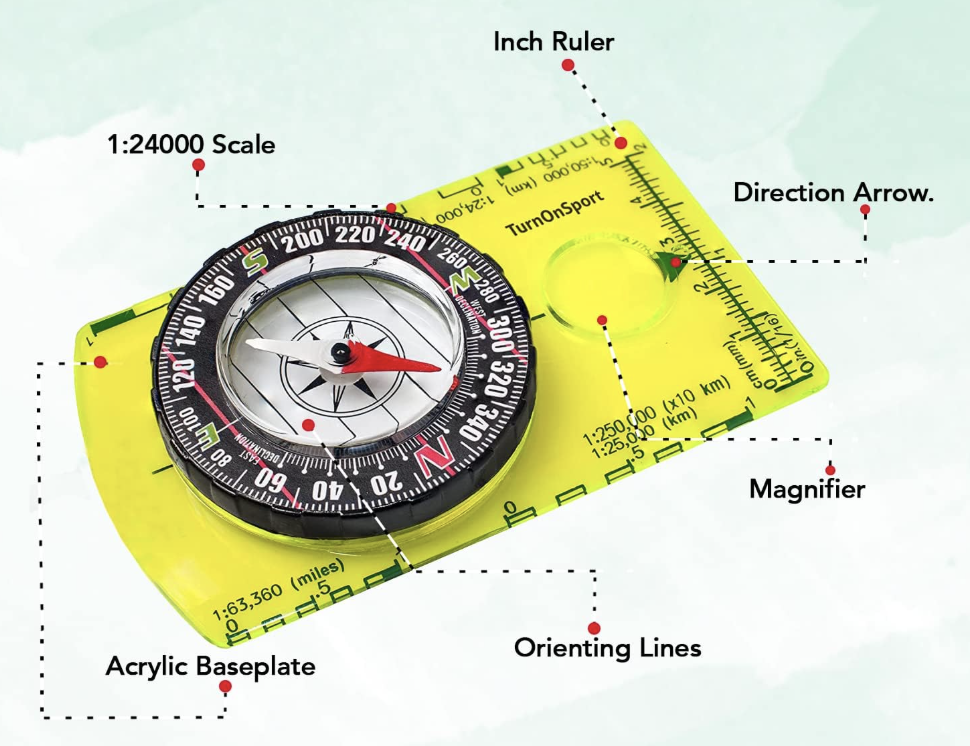
A basic magnetic compass gives you constant direction because it relies on the Earth’s magnetic field. Once you learn the four basic directions (North, South, East, and West), you can easily align a physical map to true north and find your way forward.
- Best for: Hiking, camping, emergency trail routes, and backcountry travel.
2. Open a Paper Map or Road Atlas
Paper maps don’t require batteries or data reception. Keeping a current road atlas in your vehicle trunk and local topographic maps in your backpack ensures you always have a macro-view of the terrain.
- Best for: Cross-country road trips, emergency evacuation planning, and rural driving.
3. Read the Landmarks Around You
Look up and identify fixed environment features like mountains, rivers, prominent bridges, skyscrapers, and water towers. By noting your position relative to these large landmarks, you can maintain a straight line of travel and avoid walking in circles.
- Best for: Navigating unfamiliar cities, walking urban routes, and regaining your bearings.
4. Track the Sun
The sun is a highly reliable daytime compass if you remember that it rises generally in the east and sets generally in the west. If it’s late afternoon and the sun is directly on your left, you know you are traveling north keeping you oriented without any gear at all.
- Best for: Daytime orientation, wide-open fields, and quick directional double-checks.
5. Follow the Night Sky
When darkness falls, look up to find your direction. In the Northern Hemisphere, locating the Big Dipper pointer stars will lead your eye straight to the North Star (Polaris), which always indicates true north.
- Best for: Evening camping, night travel, and open-air emergency situations.
Pro-Tip: When tracking the sun or stars for emergency orientation, always combine your observations with known structural features like a highway or coastline to keep your path as straight as possible.
6. Follow “Handrails” like Roads, Rivers, and Trails
In navigation, prominent linear features act like safety handrails. Instead of cutting across open, unknown terrain, follow a river, a set of power lines, a distinct fence line, or a marked trail, as they almost always lead back to developed areas.
- Best for: Backtracking when turned around, hiking, and rural survival navigation.
7. Decode Mile Markers and Highway Signs
Those small green highway signs are highly predictable navigation codes. Mile markers typically start at zero at the western or southern border of a state and increase as you travel east or north. Furthermore, interstate numbers tell a story: odd-numbered highways run north-south, while even-numbered highways run east-west.
- Best for: Highway driving, unexpected detours, and long road trips.
8. Talk to Locals and Use Public Spaces
When digital maps fail completely, organic information is your fastest solution. Drop into a gas station, a ranger station, a local library, or a visitor center to ask for directions, as locals know the current road conditions and shortcuts best.
- Best for: Small towns, finding obscure trailheads, and real-time road detours.
9. Write Out an Old-School Cheat Sheet
Before you shift your vehicle into drive, grab a piece of paper and write down your primary route, including exit numbers, major highway transitions, and key towns you will pass. If your phone dies mid-trip, you can keep driving smoothly by looking right at your dashboard note.
- Best for: Long drives, traveling through known dead zones, and prepping teen drivers.
Building a GPS-Down Navigation Kit
You do not need a massive tactical backpack to stay prepared. Keep a small, waterproof pouch in your glove box or backpack containing these essentials:
| Kit Item | Why It Matters |
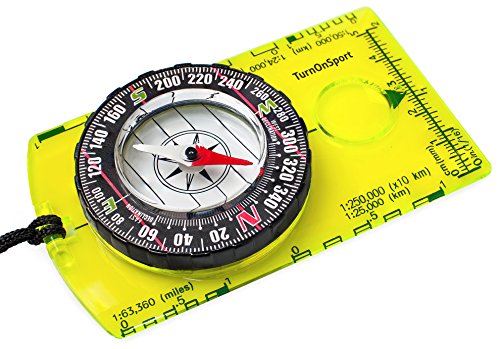
| Magnetic Compass | Provides instant direction without any power source. |
| Regional Road Atlas | Offers complete highway networks for your entire state. |
| Waterproof Map Case | Keeps your physical maps dry and readable during storms. |
| Pencil & Notepad | Lets you sketch routes; graphite won’t run or smear when wet like ink does. |
| Small Power Bank | Gives your phone a quick emergency charge to pull up offline maps. |
| Headlamp | Allows you to read maps hands-free in the dark. |



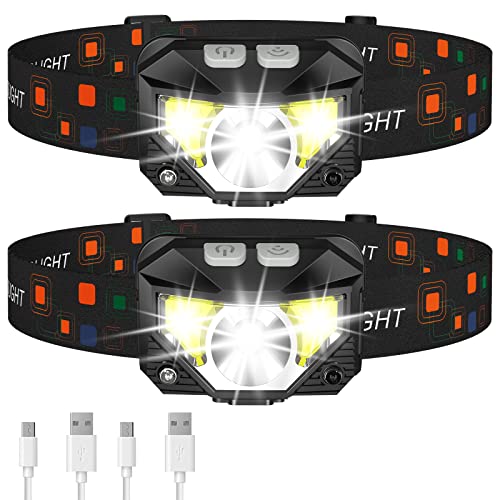
Last update on 2026-10-15 / Affiliate links / Images from Amazon Product Advertising API
Common Mistakes to Avoid
- Checking your map only after losing your bearings: Always track your location on a map before you enter unknown areas.
- Trusting a phone with a low battery: Entering unfamiliar territory with a low phone charge and no physical backup is a recipe for trouble.
- Traveling further into unfamiliar areas: If you realize you don;t know where you are, stop moving forward and immediately retrace your steps to your last known location.
- Buying gear without testing it first: A high-end compass is useless if you only open the packaging during a real crisis. Take it to a local park and practice orienting a map ahead of time.
Your Quick Pre-Trip Checklist
- [ ] Do I have a physical map or road atlas inside my vehicle?
- [ ] Can I confidently find north using a basic compass?
- [ ] Did I write down the key exits and turns for this trip on paper?
- [ ] Have I downloaded offline maps on my phone as an extra digital safety net?
- [ ] Do I know the major fixed landmarks near my destination?
FAQs How to Navigate Without GPS
1. Can solar storms actually disrupt my phone’s GPS in 2026?
Yes, the volatile peak of Solar Cycle 25 in 2026 causes frequent solar flares that ionize Earth’s upper atmosphere. This atmospheric disruption causes signal delays and “scintillation,” which can dramatically degrade or entirely drop your device’s connection to navigation satellites.
2. Doesn’t my phone’s modern satellite connectivity eliminate the need for a compass?
No, because emergency satellite messaging features on newer phones are designed for text communication with emergency services, not continuous live-mapping updates. If your mapping software crashes or your battery drains, a classic magnetic compass remains your only operational directional tool.
3. What is GPS spoofing, and will it impact my normal highway road trips?
GPS spoofing occurs when a malicious signal tricks an automated system into displaying an incorrect location, but it is currently concentrated near specific international airspace or military zones. For an average road trip, you are far more likely to face standard cell carrier outages or localized dead zones rather than direct signal tampering.
4. If my vehicle’s central infotainment screen crashes, will my phone maps still work?
Yes, your personal smartphone operates on a completely separate processor and antenna from your vehicle’s integrated dashboard system. However, if the screen crash was caused by a broad regional power surge or grid issue, both systems may struggle to pull down live network updates simultaneously.
5. Why do my pre-downloaded offline maps occasionally fail when cellular service drops?
Offline maps will fail to render if they have expired without a recent Wi-Fi update, if your phone’s storage cache clears them automatically, or if the application freezes upon losing an active cellular handshake. Relying purely on a digital offline file means you are still vulnerable to device battery loss or hardware damage.
QUICK POLL
Paper maps and compasses in 2026: essential tools or obsolete clutter?
Already voted? Defend your choice or share your offline map experience in the comments below.