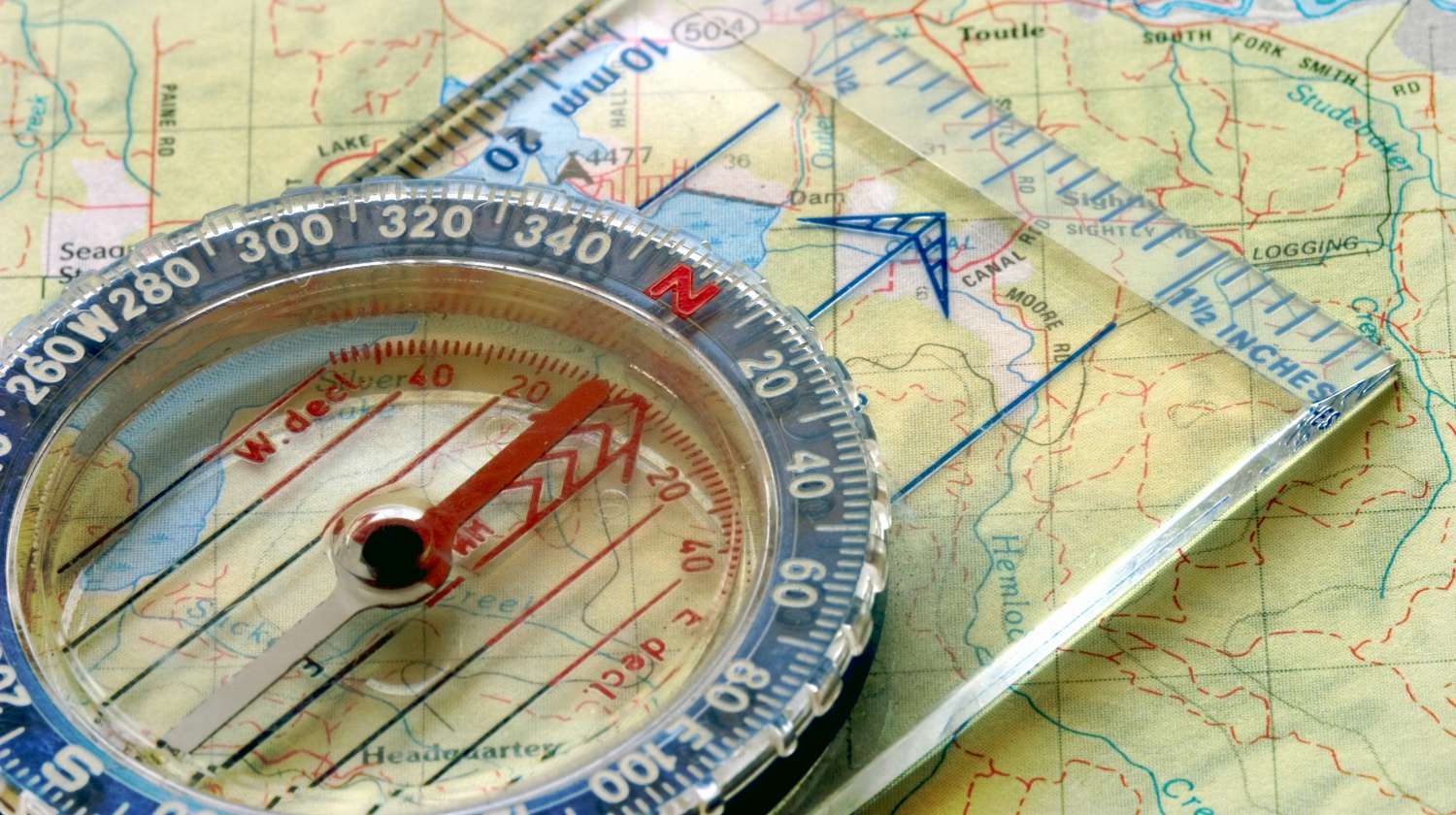

Last Updated: February 2026
Take your map-reading skills to a whole new level by learning how to read USGS topo maps, but first, get the map here.
In this article:
- Download Every US Quad for FREE
- What’s a USGS Topographic Map?
- Tips on How to Read a Topographic Map
- How to Get Free Printable USGS Topo Maps Online
USGS Topo Maps: Download Every US Quad (2026 Update)
The biggest change since our original guide is the death of the “Fixed Quad.” Historically, if your house sat on the corner of four maps, you had to download and tape four sheets together. As of 2026, the new USGS TopoBuilder 4.0 tool lets you center the map exactly where you stand, creating a single, seamless 7.5-minute map of your specific Area of Operation (AO).
2026 USGS Map Download Portal
The USGS has moved to “On-Demand” custom map generation. Select a tool below to get started:
GENERATE CUSTOM MAP
(Official USGS TopoBuilder 4.0)
Note: Links open in a new tab. Keep this guide open for printing & tactical reading tips below.
RELATED: How To Mark Trails Like A Pro
What’s a USGS Topographic Map?
Launched in 2009, the US Topo Quadrangles project provides free online quadrangle topographic maps for anyone living in the continental United States. Produced by the National Geospatial Program, these USGS topo maps are modeled after the standard 7.5 minutes, 1:24,000 base maps.
In 2026, the USGS moved away from “static” pre-made PDFs to “On-Demand” generation. This allows you to center a map on your exact coordinates rather than being stuck with pre-set government grid lines.
Tips on How to Read a Topographic Map
- Contour lines connect to form a circle and represent the same elevation.
- One side of a contour line is uphill and the other is downhill.
- New “High-Contrast” symbology makes water sources more visible under tactical/red-light conditions.
- Contour lines form a V pattern when crossing water; the tip of the V points uphill.
- Modern maps now include MGRS (Military Grid Reference System) overlays by default.
How to Get Free Printable USGS Topo Maps Online
1. Access the TopoBuilder 4.0 Portal: Head over to the official portal. Zoom in and drop a pin on your desired location.
2. Download Your Custom Map: The system generates a 5-page PDF: 1 full area map and 4 quarters for easier printing.
3. Layer Your Intel: Toggle “Historical Raster” to find “Ghost Trails” or old logging roads that have been stripped from modern maps.
4. Print: We recommend using laser paper so your map can withstand a sudden mountain downpour or the constant sweat and abrasion of being shoved in and out of a tactical pocket.
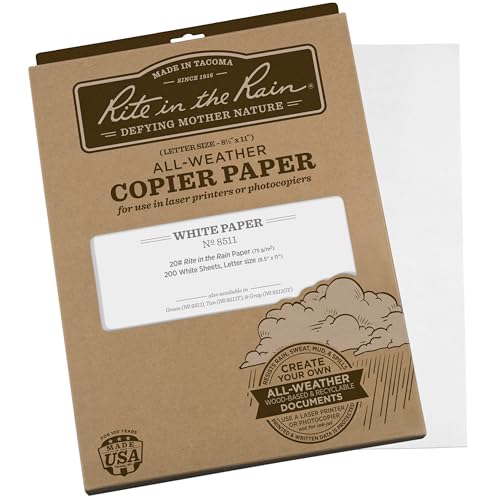
Last update on 2026-10-08 / Affiliate links / Images from Amazon Product Advertising API
FAQs
1. What does “1:24,000 scale” in topo maps actually mean for my hike? In simple terms, 1 inch on your map equals 2,000 feet on the ground. A 7.5-minute quadrangle is the “gold standard” for survival because it provides enough detail to see individual boulders, small streams, and subtle ridges. If you are moving on foot, this is the only scale that allows for precise land navigation.
2. Why should I bother with the “Historical Raster” layer? Modern 2026 maps are streamlined for clarity, but they often “delete” old data. By toggling the Historical Raster in the TopoBuilder, you can find “Ghost Trails,” abandoned logging roads, and old well-sites that were mapped in the 1950s but removed from current versions. For a survivalist, this is “invisible” intel that can lead you to water or cover that others won’t see on their GPS.
3. How do I keep the map scale accurate when printing at home? This is the most common mistake: Most printers default to “Fit to Page,” which shrinks the map and makes your compass scales useless. When printing your USGS PDF, you must select “Actual Size” or “100% Scale” in your print settings. To verify, use a ruler on your printed map exactly 2.5 inches should equal 1 mile.
Editor’s Note: This post was updated in 2026 for quality and relevancy.
QUICK POLL
Are modern, computer-generated USGS “US Topo” maps actually garbage compared to the old hand-drawn versions?
Have you used USGS topo maps before? Tell us all about your experience in the comments section below!